SHOPIFY PRODUCT PERSONALIZATION APP

Let your customers create their own design — you send it to print.

PrintLab is a Shopify product personalization and print designer app embedded directly on your product pages. Customers create their own design or personalize a ready-made template in a few steps — photo frames, word art, Spotify songs, star and city maps, monograms, birth flowers. You receive a print-ready order.

  • 5-minute setup
  • No credit card required
  • English support
300 DPI print-ready output
TR/EN customer and admin UI
5 min theme setup
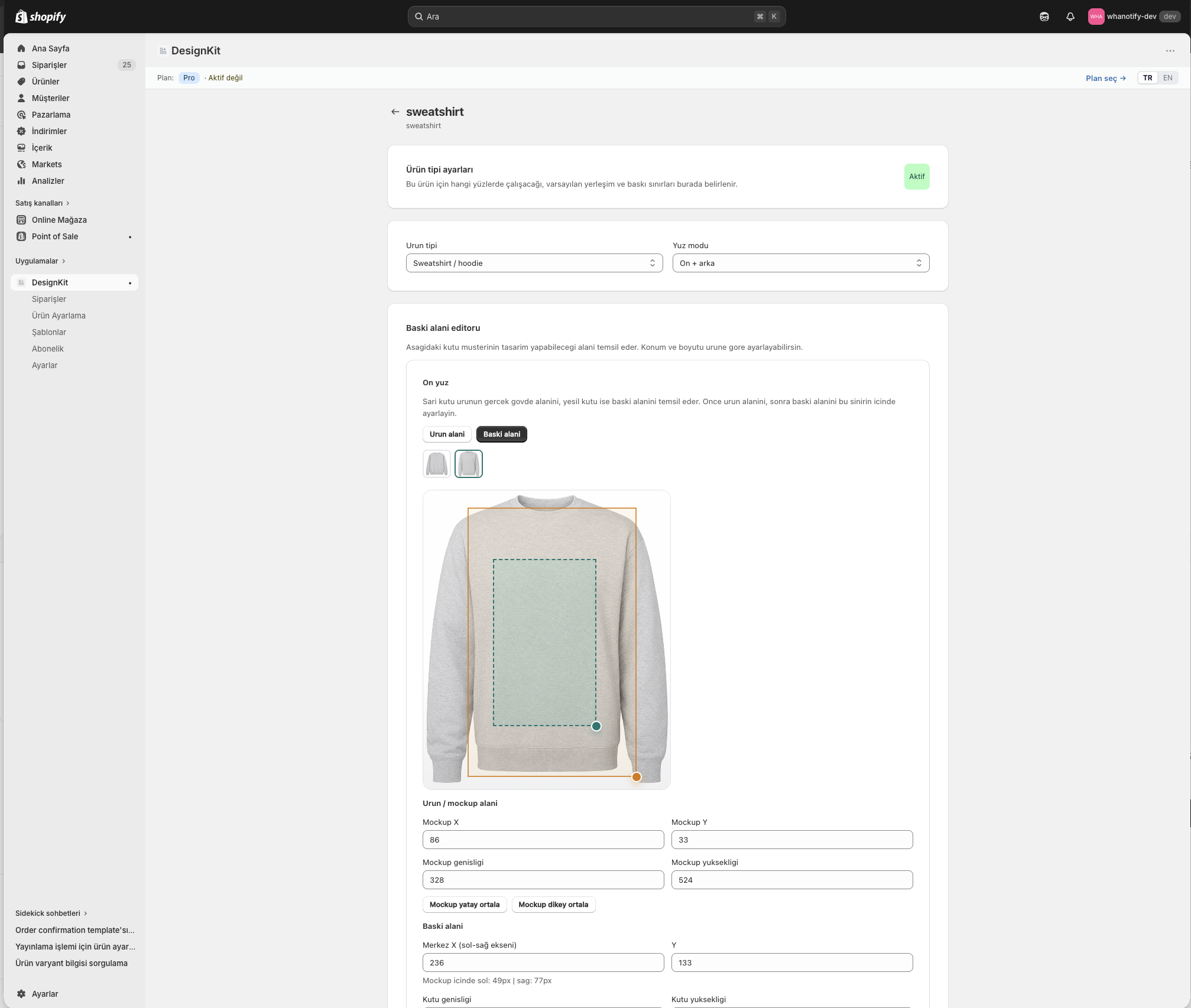
PrintLab baskı alanı ayarı ekranı
mystore.myshopify.com
1
Oversize Tişört — Beyaz
450₺
28 × 45 CM
İSTANBUL forever
Background removed
AI · 1.4s
New order
#3204 · Preparing
Ready-made personalization templates in one app
SEE PRINTLAB IN ACTION

PrintLab in about a minute

The whole flow, from the customer designing on your product page to a print-ready order.

HOW IT WORKS

From setup to shipment in three steps.

Customer designs. PrintLab generates a print-ready PDF. You fulfill the order.

01

Set up your product

Add PrintLab to your Shopify product page and draw the print area with drag & drop. Dimensions, safe zone, light/dark mockup — all in one screen.

28×45 cm↵
02

Customer designs

They upload images, add text, pick templates. AI removes backgrounds, fonts live-preview. Automatic warning if design overflows the print area.

AI
Text
Template
Layers
03

Order comes in, you print

300 DPI print-ready PDF for every item in the cart. Update status from your admin: Pending → Preparing → Printed → Shipped.

#3204Mert K. — OversizePreparing
#3203Selin A. — KupaPrinted
#3202Burak Y. — TotebagShipped
READY-MADE TEMPLATES

Customers enter a few details,
a print-ready design comes out.

Ready-to-sell templates instead of a blank canvas. Set a template up once and link it to any product; the customer adds a photo, a name, a date or a song, and PrintLab renders a 300 DPI print file on the server.

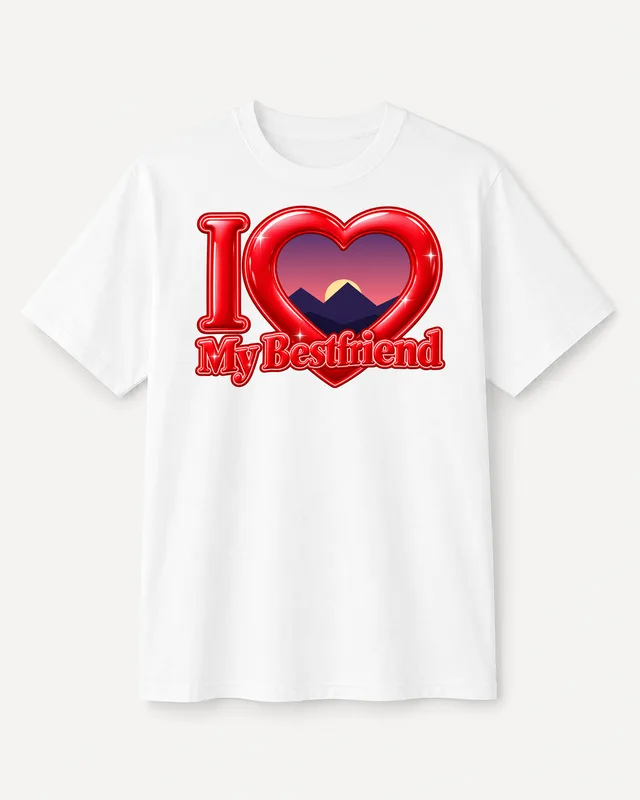
Photo t-shirt templates
Photo template

Photo t-shirt templates

The customer's photo fits inside the heart, frame or letter of your own artwork. Backgrounds are removed automatically.
Boxers and underwear designs
Photo template

Boxers and underwear designs

Photo boxer templates like "Only You" or "All Mine", with a print area set up per product.
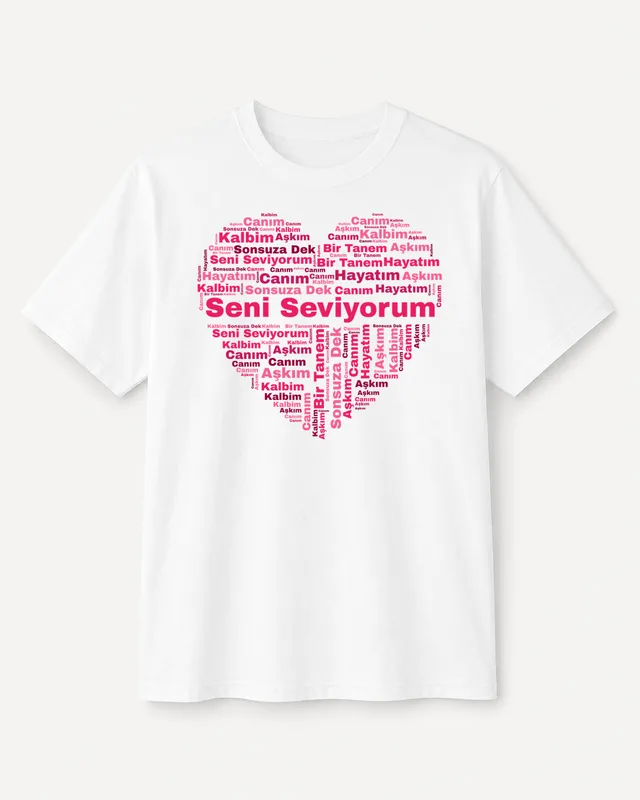
Word art
Word art

Word art

The customer's words are arranged in a heart, star, circle or letter. You pick the fonts and color palettes.
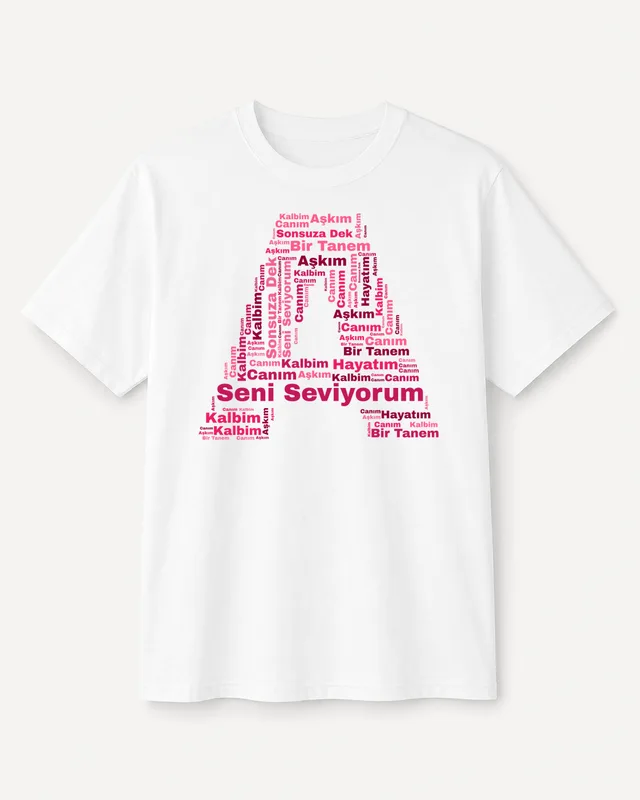
Letter- and photo-shaped words
Word art

Letter- and photo-shaped words

Words fill an initial or the silhouette of the customer's photo — step back and a portrait appears.
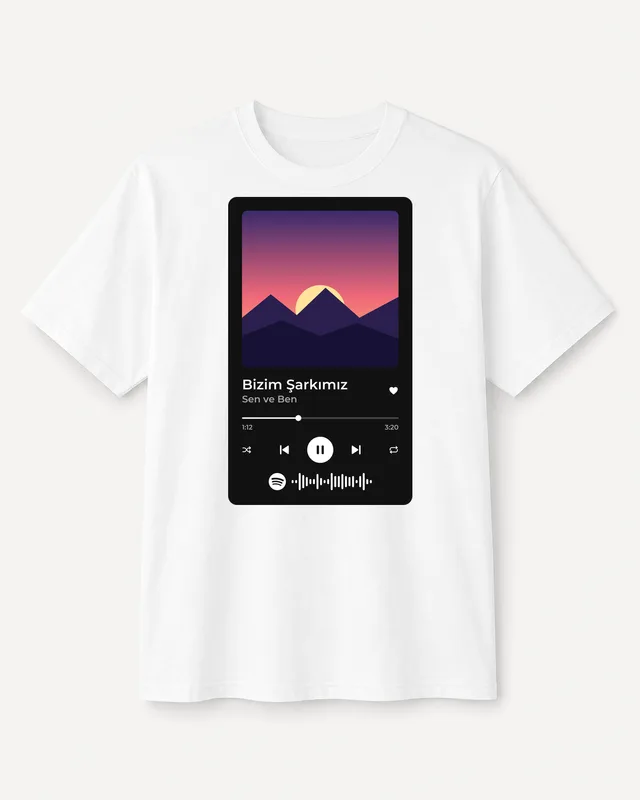
Song / Spotify design
Generator

Song / Spotify design

Paste a Spotify link and the song title and artist fill in automatically. Crop the photo and a scannable Spotify code is added.
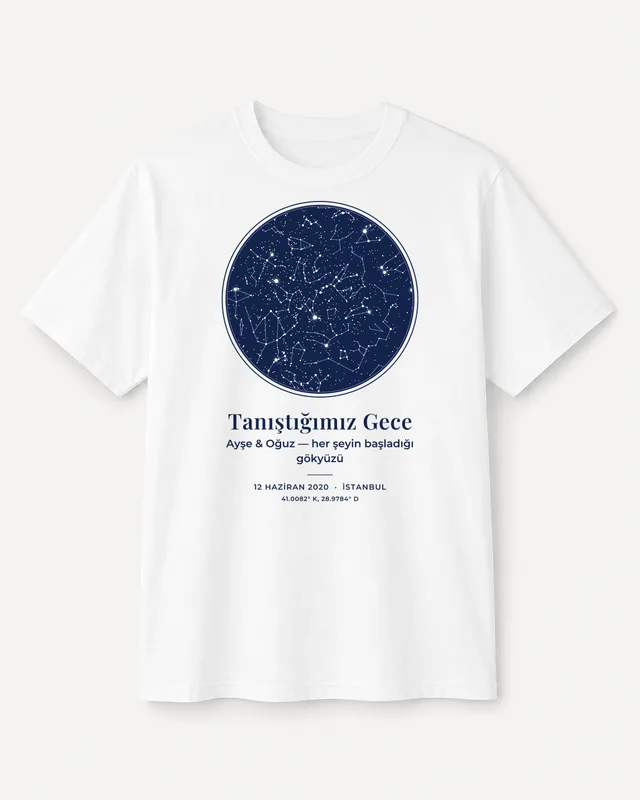
Star map
Generator

Star map

The real night sky on the chosen date, time and city, with constellations, a name and a note.
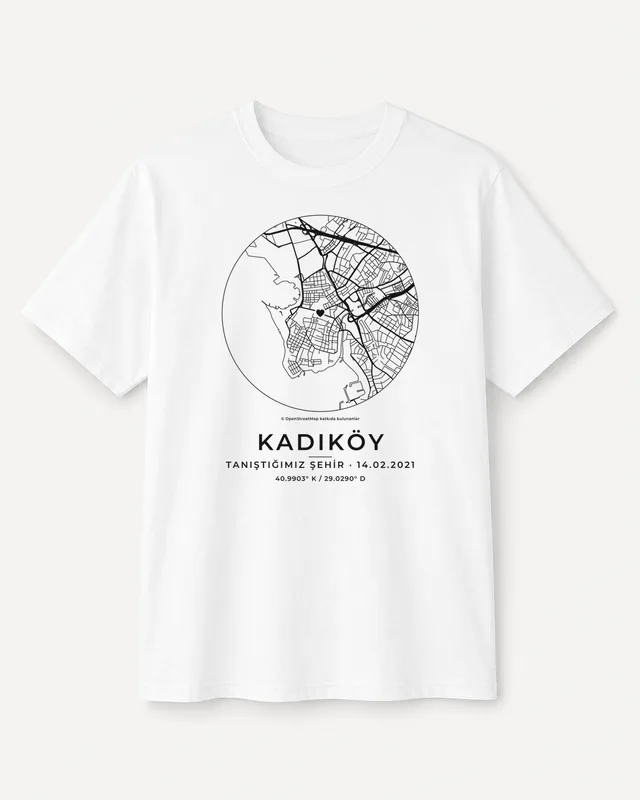
City map
Generator

City map

A real street map of any city or neighborhood, poster style, with a title, subtitle and coordinates.
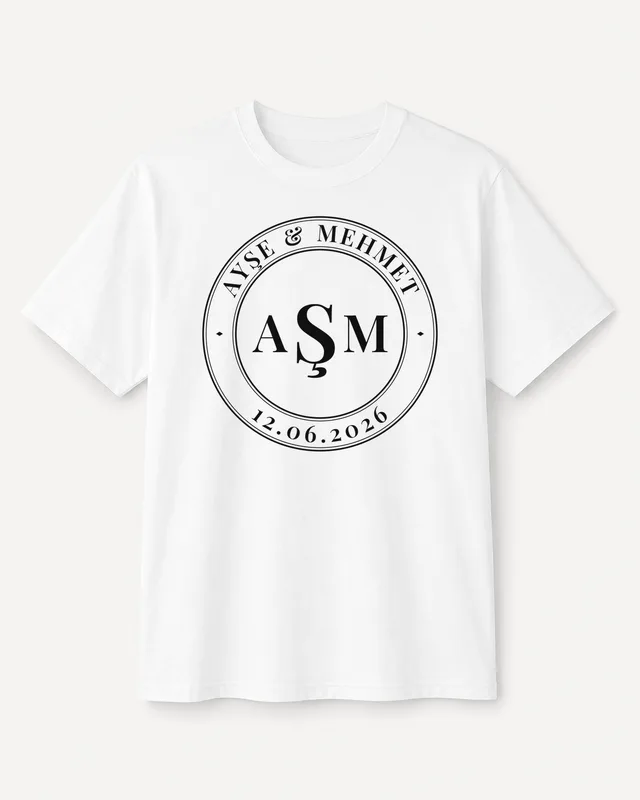
Monogram
Generator

Monogram

Elegant couple and family monograms with two or three initials, a frame and top and bottom text.
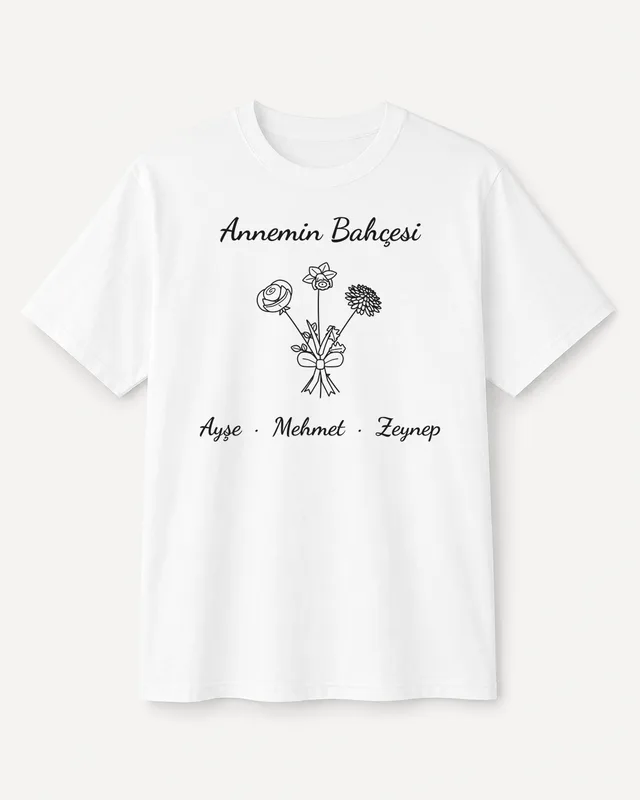
Birth flower bouquet
Generator

Birth flower bouquet

Each person's birth month flower and name — a single flower or a whole family bouquet.
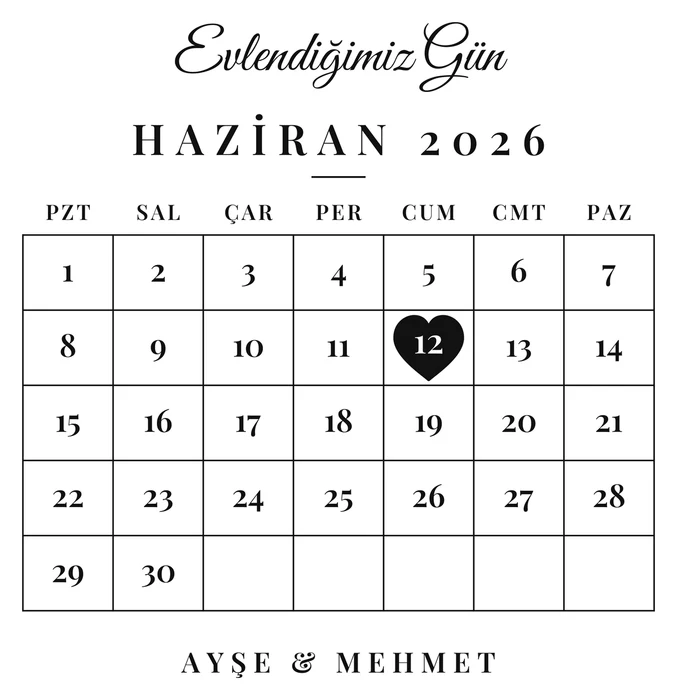
Special date calendar
Generator

Special date calendar

A calendar of the chosen month with the special day marked by a heart, circle or star, plus a title and names.
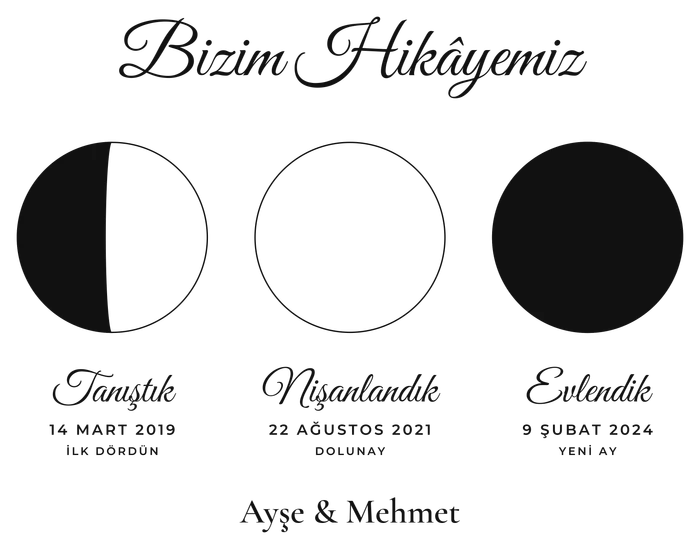
Moon phase
Generator

Moon phase

The real moon on the night you met, were born or got married — a single date or three special days.
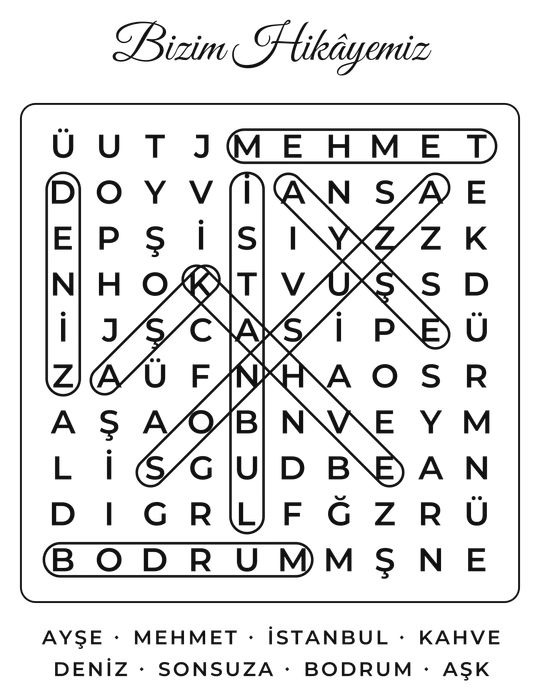
Word search puzzle
Generator

Word search puzzle

Names and memories hidden in a letter grid, optionally printed with the words already circled.
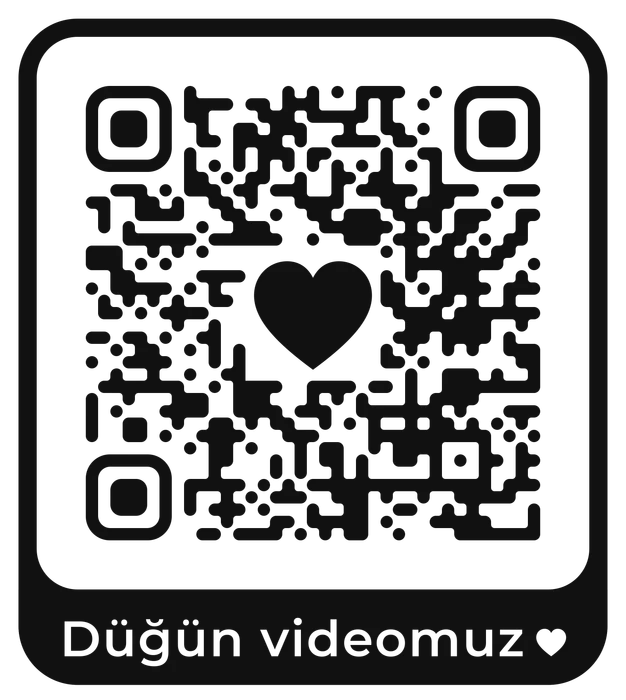
QR code
Generator

QR code

A wedding video, playlist, message or Wi-Fi details become a scannable QR code.

Frame Studio

Build canvas, polaroid card and multi-photo frame templates in one editor; card sheets come out with crop marks.

Repeat pattern

The customer's photos are scattered across the whole product along with hearts — made for boxers and pajamas.

→✦

AI portrait

An AI portrait of the customer's photo in the style you choose (caricature, illustration and more).

These images are real PrintLab output; photo slots use a sample illustration.

FEATURES

Everything you'd expect from a design tool,
and then some.

Built as a Shopify product customizer with mobile-first UX, native Shopify integration, and structured output for print production teams.

AI background removal

Customer uploads an image, we ask "Remove the background?" Result in 1.5 seconds.

24+ design fonts

Anton, Bebas, Pacifico, Permanent Marker, your own uploaded TTF files. Live preview.

Print area warning

Instant indicator when the design overflows. No bad prints, no returns.

Native Shopify integration

Embedded via App Proxy. Cart and checkout stay inside Shopify.

Multi-product templates

T-shirts, mugs, tote bags, phone cases. Separate mockup and print area per product.

300 DPI print PDF

Print-ready PDF + JPG preview for every order. Instant access via CDN.

Google Drive backup

One-click export of per-order print PNGs, mockup and design.json into your own Drive folder. Other files in your Drive stay private (drive.file scope).

Realistic preview

In the customer's preview, the design follows the folds and shadows of the fabric; the print file always stays flat and untouched.

English and Turkish, with in-page help

The admin opens in your Shopify admin's language and the storefront designer in the customer's. Every page has a "How does this page work?" guide.

CUSTOMER EXPERIENCE

Mobile design, actually easy.

Most online shopping happens on mobile — so PrintLab was designed mobile-first. 44px touch targets, bottom sheet always reachable, print area always visible.

  • 01

    One-hand use

    All critical actions within thumb reach.

  • 02

    Fast loading

    The designer is lightweight — smooth even on mobile connections.

  • 03

    Zero overflow

    Bottom sheet and keyboard interaction polished on iOS Safari.

Enter your text...
Aa
Aa
Aa
Aa
Aa
Aa
Aa
Aa
Remove the background?
AI-powered, done in seconds.
→
PRICING

Pay as your store grows.

14-day free trial on Starter, Growth and Business. Cancel any time.

Start freeFree for up to 2 products: no order limit, no credit card. Move to a plan whenever you need more products.
Install free
Starter
$9.99/mo
Great to get started.
  • 100 orders/month
  • 1 product category
  • Front + back surface print
  • 100 background removals/month
  • ✦ 50 AI images/month
Start free for 14 days
Pro
$49.99/mo
For higher-volume stores.
  • 2,000 orders/month
  • 4 product categories
  • 1,500 background removals/month
  • ✦ 450 AI images/month
  • 20 custom templates
  • Production, Gang Sheet & print queue
  • Priority support
Start Pro
Business
$99/mo
For larger teams.
  • Unlimited orders
  • Unlimited product categories
  • 4,000 background removals/month
  • ✦ 900 AI images/month
  • Unlimited custom templates
  • Production, Gang Sheet & print queue
  • Custom onboarding & support
Start free for 14 days

Buy Extra Credits

When your monthly AI image quota runs out, you can purchase a one-time credit pack. Credits never expire.

100
AI Credits
$9.99
Starter pack
Purchase via the app
500
AI Credits
$39.99
High volume pack
Purchase via the app

Credits are used for AI image generation. 1 image = 1 credit.

Also available for WooCommerceThe same plans for WooCommerce stores, from $9.99/month. Payments and invoicing are handled by Paddle.com.
WooCommerce pricing
FAQ

Check here first.

How does PrintLab work on Shopify?
PrintLab is added directly to your Shopify product pages. Customers personalize their item without leaving your store, add to cart, and checkout happens entirely through Shopify. No custom technical setup required.
How do I get print-ready files?
A 300 DPI PDF and a preview JPG are generated automatically for every completed order and stored on CDN. Download with one click from your admin panel.
Can I upload my own mockups?
Yes, on Growth and above. Upload your PNG mockup, draw the print area with drag & drop, and set the safe zone and dimension labels.
What languages does PrintLab support?
Turkish and English are fully supported right now. The admin panel and the customer designer both have TR/EN language switching.
How do I use the ready-made templates?
On the Personalizer page you choose a template type (photo template, word art, song, star map, city map, monogram, birth flower, calendar, moon phase, word search, QR code, repeat pattern, AI portrait). Set the fonts, colors and options, then link the template to one or more products. Customers enter their details on the product page and the print file is rendered on the server.
Does AI image generation work during the trial?
AI image generation is turned off during the trial; background removal and every other template type work. When your paid plan starts, your plan's monthly AI quota is enabled.
What happens after the 14-day trial?
After the trial ends, billing starts through Shopify. You can change your plan or cancel at any time from your Shopify admin.

Install today, get your first personalized order this week.

14-day free trial. No credit card required. 5-minute setup.